
Working perfectly fine loved it
"Working perfectly fine loved it"
Cart
Your cart is empty
IMPORTANT information for Irish customers - plugs!
Please note that all our products are supplied with an EU 2 pin plug. You can fit a travel adapter for use in Non-EU 2 pin plug wall outlets.
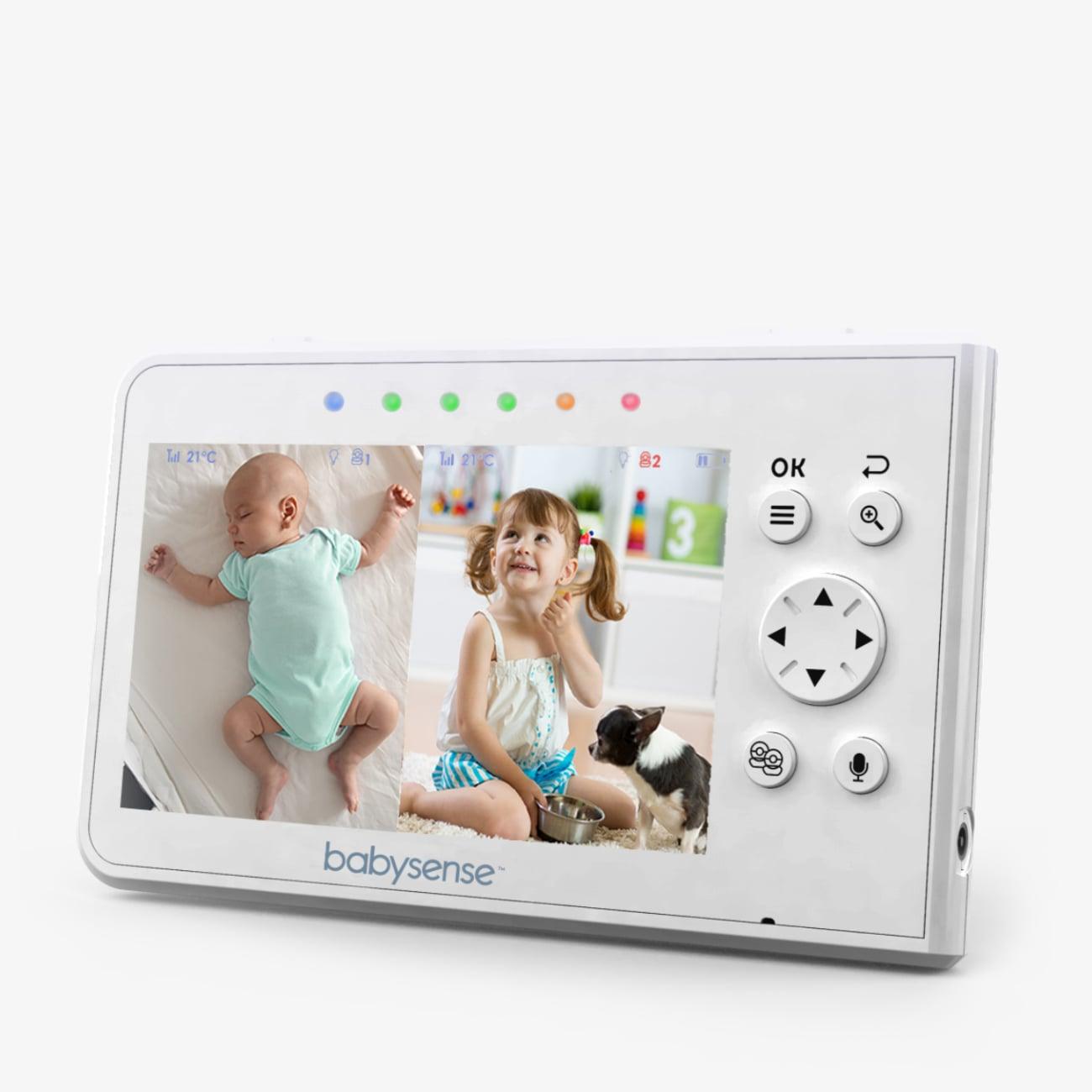
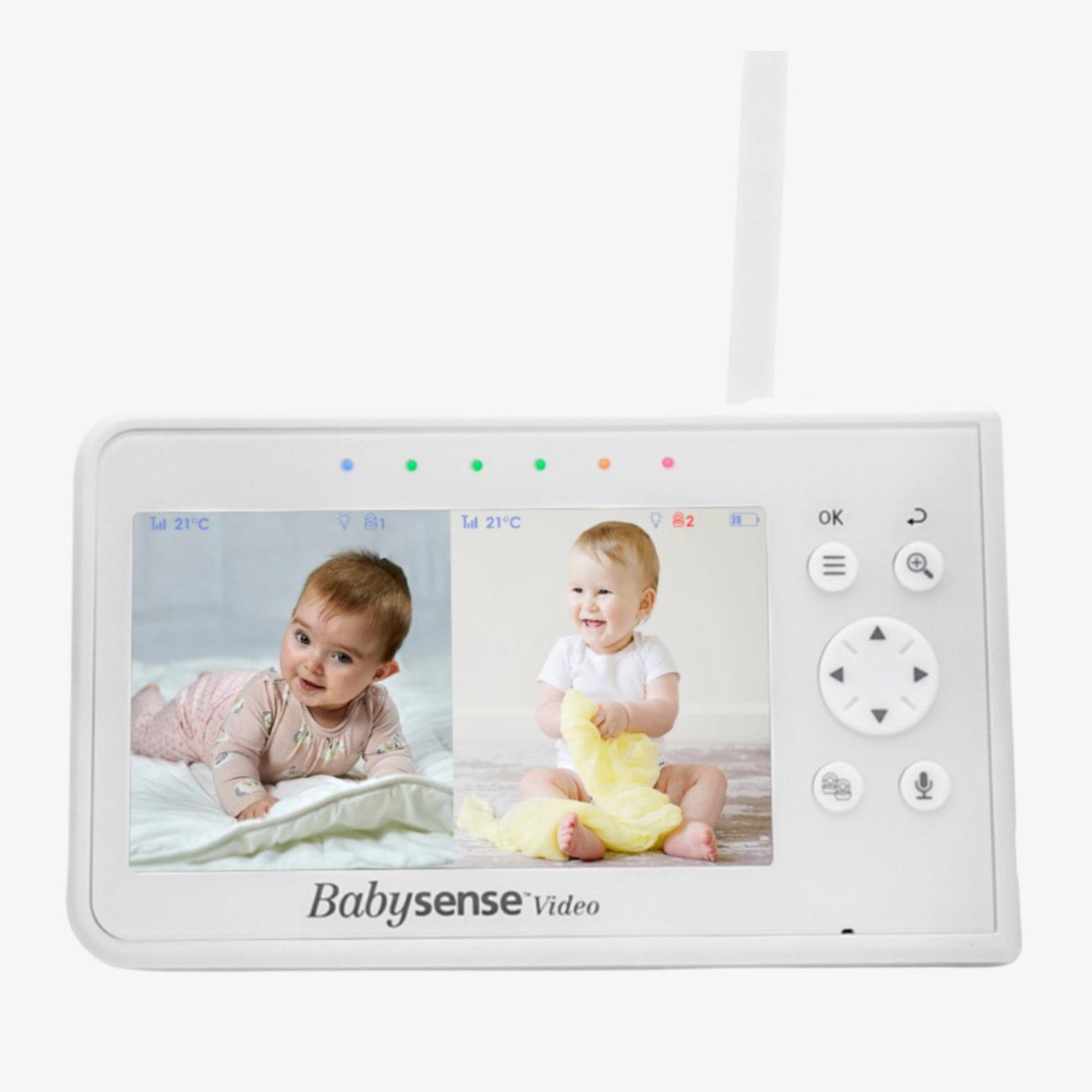
Keep an eye on two rooms or two babies simultaneously, side byside on the same screen in real time while you take some time for yourself.
IMPORTANT information for Irish customers - plugs!
Please note that all our products are supplied with an EU 2 pin plug. You can fit a travel adapter for use in Non-EU 2 pin plug wall outlets.
Overall rating: 4.9333334 / 5 from 30 reviews.
The Parent Unit for Split-Screen Video Baby Monitor V43 allows parents to monitor two rooms or babies simultaneously with excellent picture quality and ease of use. It is compatible with up to four cameras and comes with a power adapter. Note that it requires the V43 Camera Unit to operate and is not compatible with other models or brands.
Review topics: [quality, light, shipping, price, customer service, screen, monitor, camera, picture].
"Working perfectly fine loved it"
"My Partner has a balance problem and has fallen over multiple times just recently. I now have 2 Babysense V43 monitors with 4 cameras each, around the house, so that if she falls again, and cannot get up, I will know and be able to go and help her up."
"I love this product. I have been using it for two years straight and its amazing"
"Battery life slightly poor"
"This is seriously THE best baby monitor out there. It's an affordable price, can connect to multiple cameras, it's WiFi-free for keeping our kids safe, and the extra features are great. This is the only monitor we'll ever use!"
"Great monitor and great customer service if you need them"
"Great monitor, except temperature doesn’t always show"
"This monitor is well made and has a clear picture on the screen. The sound is clear, and the temperature of the room is so helpful. I am extremely happy with the customer service. Sean was so helpful in getting me set up with a working unit after I dropped my original parent unit, and then couldn’t make the replacement unit work with my cameras. I highly recommend the product and the company!"
"The monitor can only be dropped so many times before the antenna breaks and the unit stops working together. Thankfully it was a reasonable price and very easy to replace the base unit (rather than having to buy the whole set of cameras and monitor again. Pairing was a cinch and it was up and running right away."
"Would never use a different baby monitor again."